How LightYoke works
From a posted need to a finished visit, with the person's information kept safe at every step.
Leader
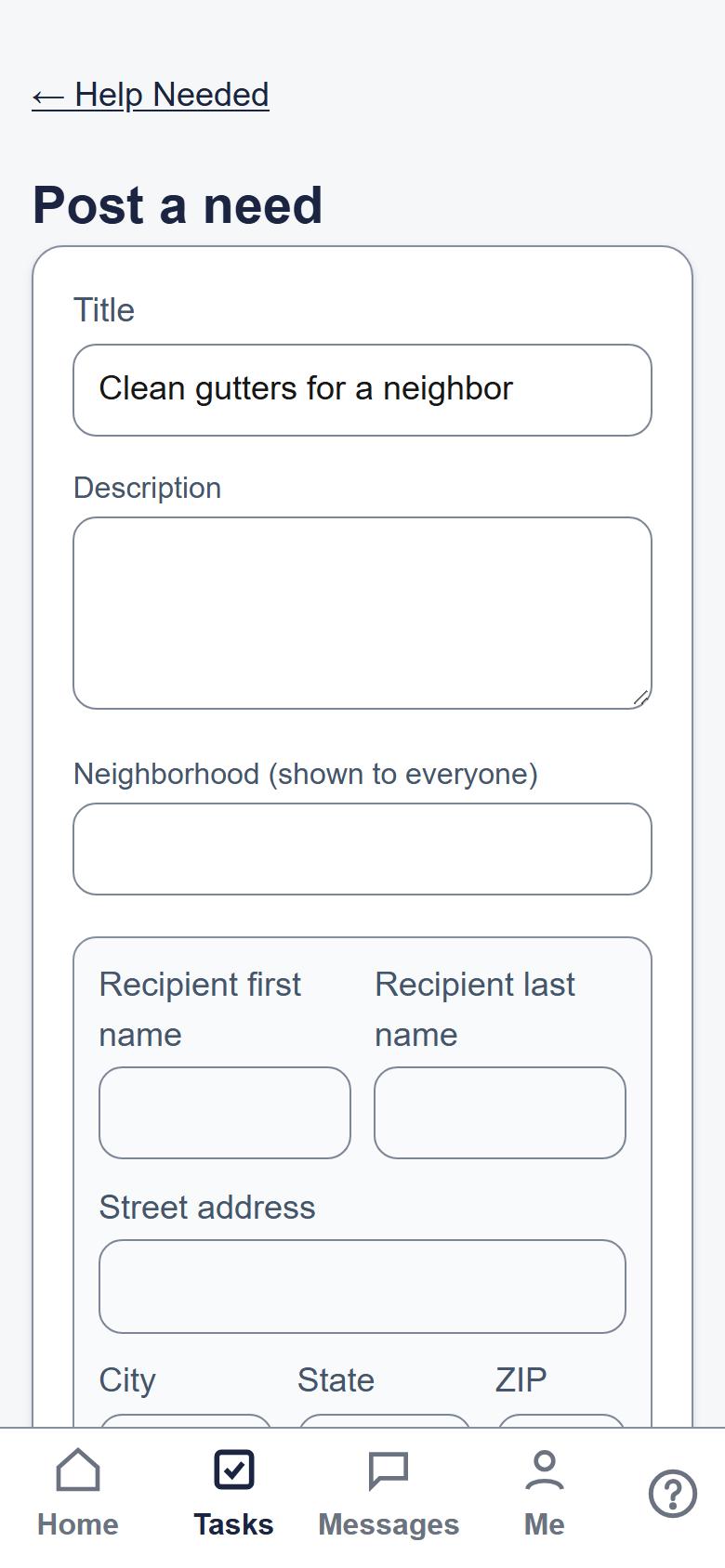
Post a need
A leader posts what the person needs help with. The need can have a set time, flexible dates, or repeat.
Volunteers
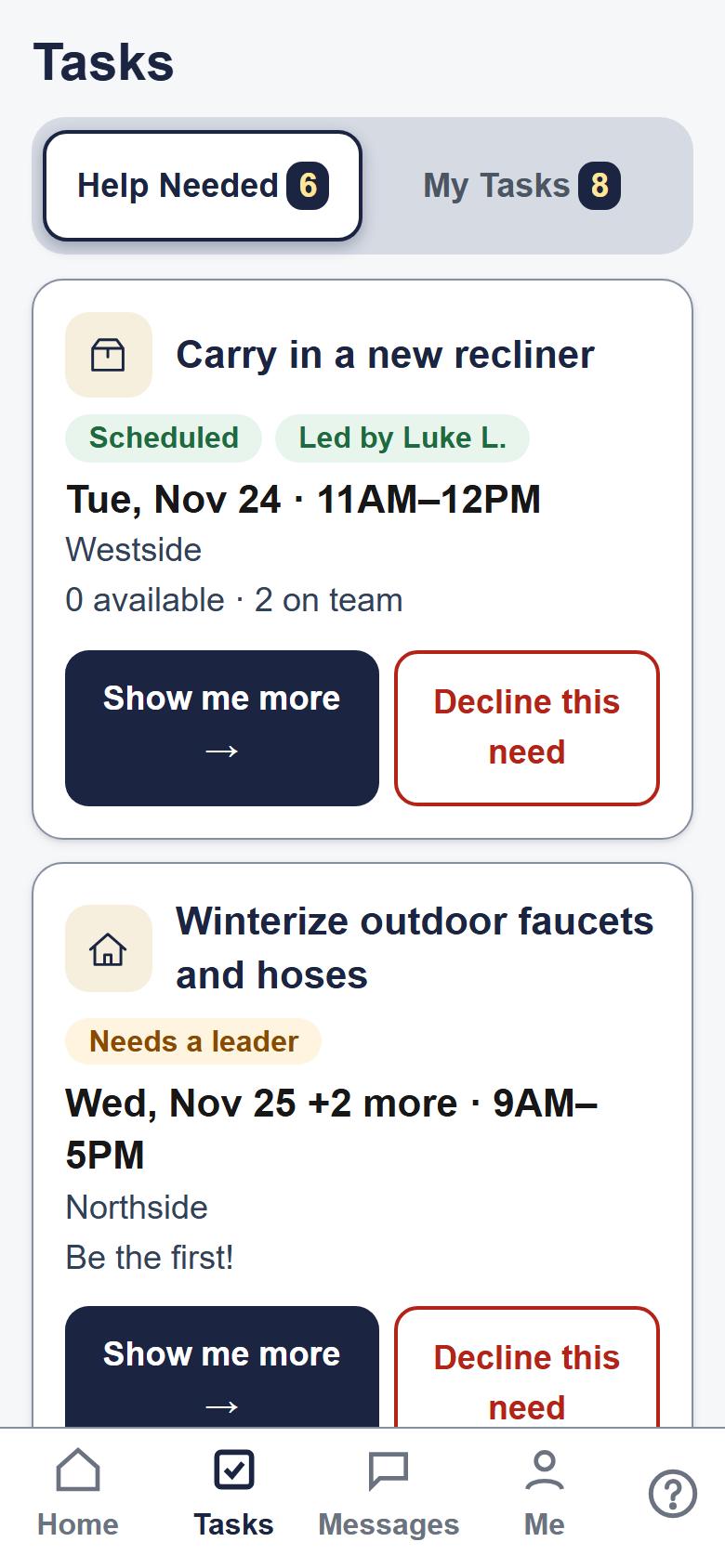
Say when you're free
Volunteers see the needs board and mark the days they can help, or ask to join.
Leader
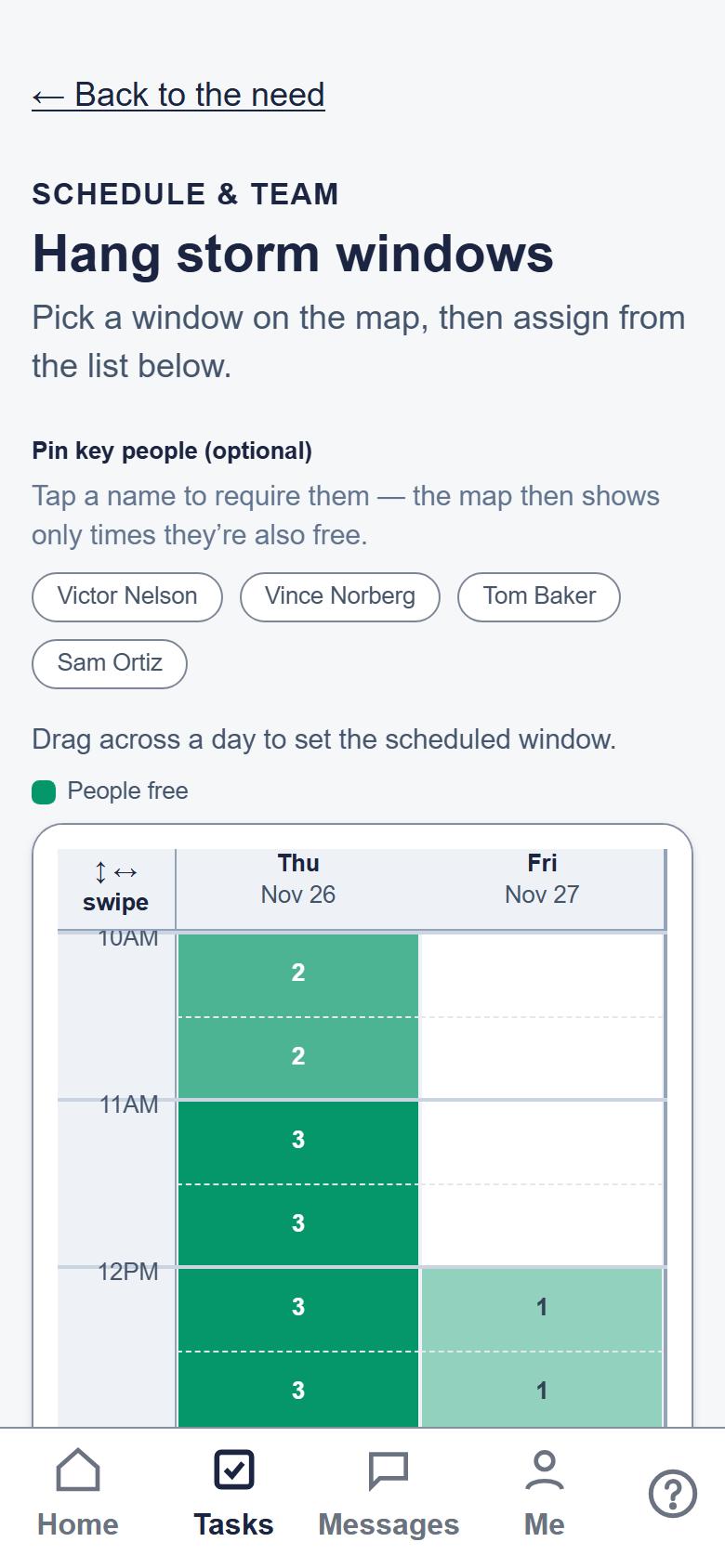
Pick the team
The leader sees who's free and picks the team.
Team
Before the visit
Shortly before the visit, each volunteer confirms they're still coming. Only then does the address appear, and only inside the app.
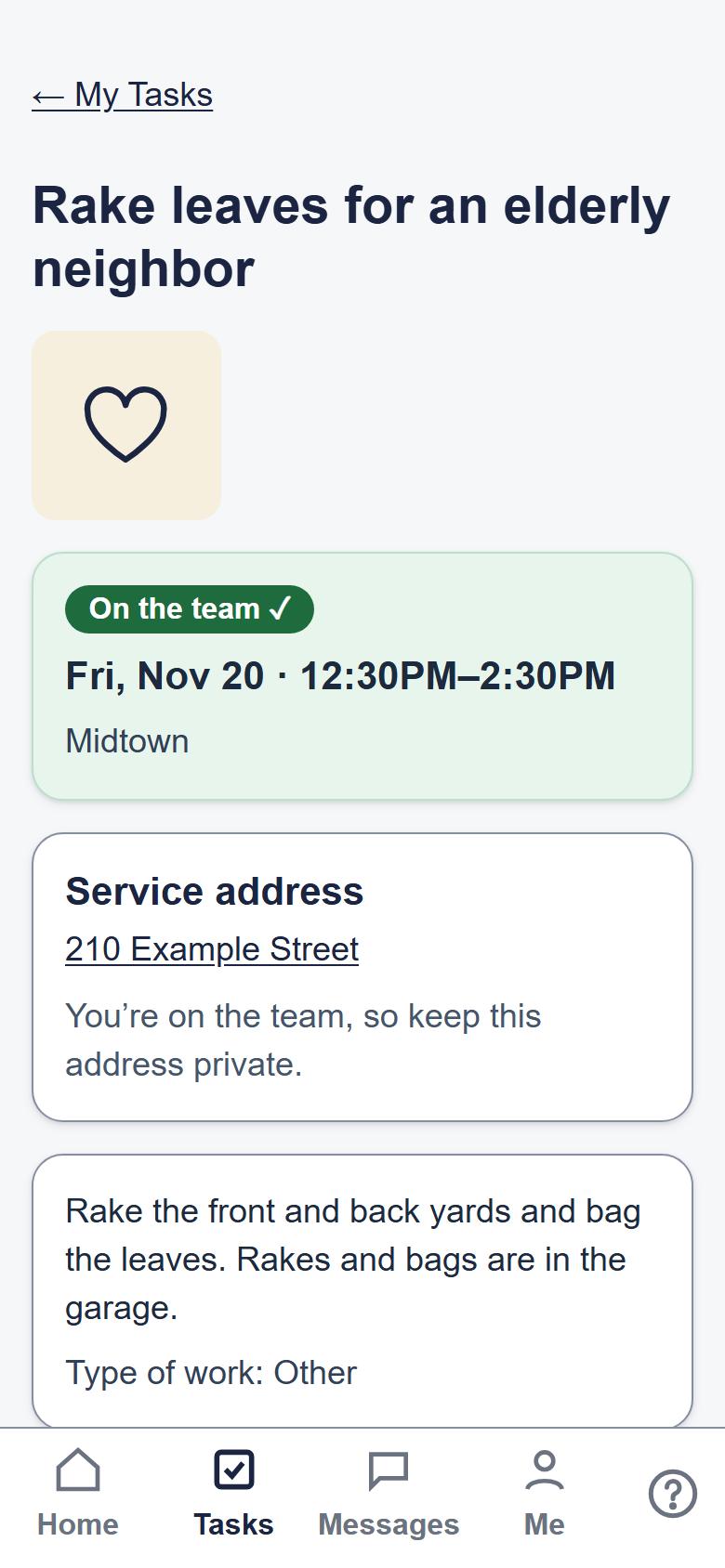
The person being served
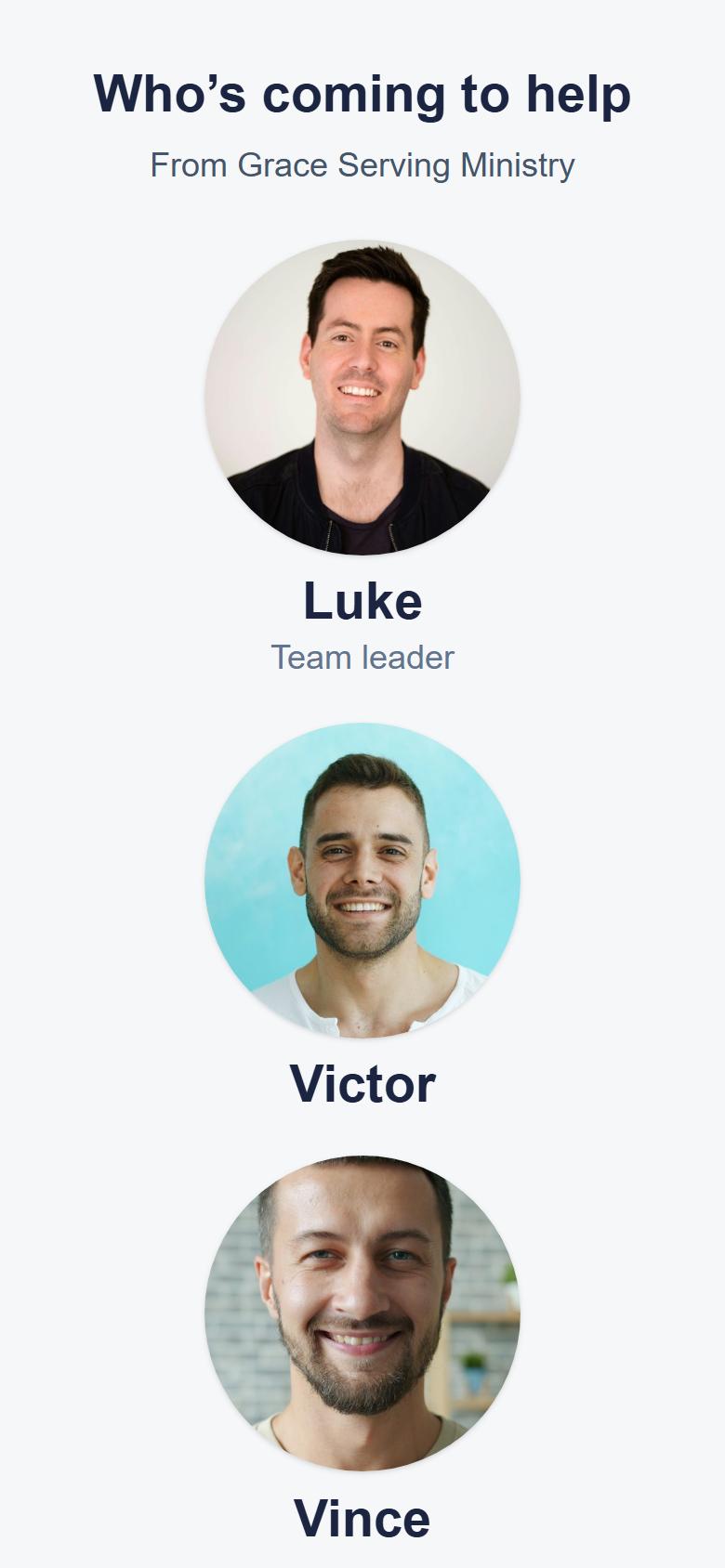
Know who's coming
The person being served doesn't need the app. They get a text to see who's coming, and can get a link to sign a release when the ministry asks for one.
Team
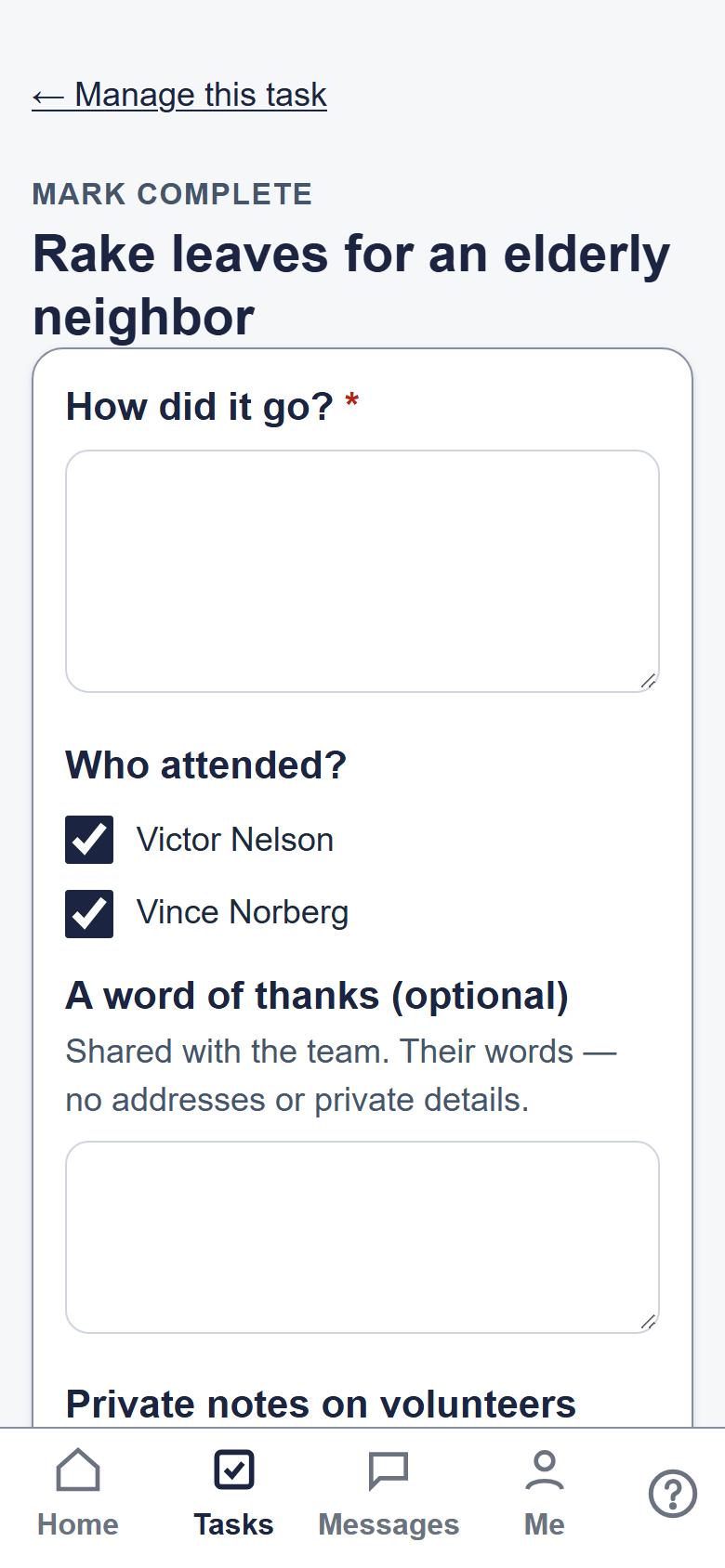
After the visit
The leader marks the visit done, and the ministry keeps a record of the service with personal details hidden.